Table of Contents
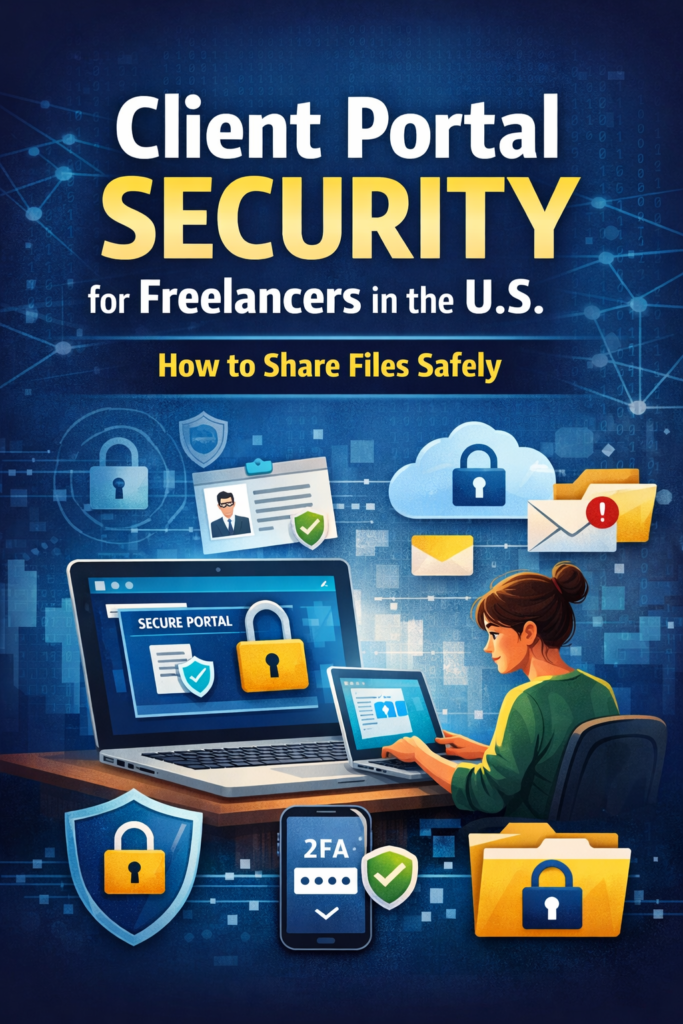
In today’s digital work environment, client portal security for freelancers in the U.S. has become more important than ever. Freelancers and small businesses frequently exchange contracts, design files, financial documents, and other sensitive information with clients online. While email attachments and public file-sharing links may seem convenient, they often expose businesses to serious cybersecurity risks.
For U.S. freelancers and small businesses, using secure methods to share files is not just a best practice—it’s a necessity. Weak file-sharing practices can lead to data leaks, unauthorized access, or even compliance issues related to privacy laws.
This guide explains how U.S. freelancers should share files safely using secure client portals, the risks of insecure file sharing, and practical steps to protect client data.
Why Client Portal Security Matters for U.S. Freelancers
Many freelancers manage projects remotely, which means digital communication and file sharing happen daily. However, insecure file transfer methods can easily expose sensitive client data.
Client portal security for freelancers in the U.S. matters for several reasons:
- Freelancers often handle confidential business information
- Cybercriminals target small businesses with weaker security
- Clients expect secure communication channels
- Data breaches can damage a freelancer’s professional reputation
A secure client portal ensures that only authorized users can access files, reducing the risk of data exposure.
According to the National Institute of Standards and Technology (NIST), organizations should implement secure authentication and controlled access when sharing digital resources online. You can learn more about recommended cybersecurity practices through the official guidelines published by the National Institute of Standards and Technology (NIST):
https://www.nist.gov/cyberframework
These security standards apply not only to large companies but also to freelancers who manage sensitive client data.
Common File-Sharing Risks Freelancers Often Overlook
Before discussing solutions, it’s important to understand the risks associated with insecure file sharing.
1. Email Attachments Can Be Intercepted
Many freelancers send documents through email attachments. However, emails can be compromised through phishing attacks or account breaches. If an attacker gains access to your email account, they may download sensitive client files.
2. Public File-Sharing Links
Platforms that generate public download links can be risky if those links are accidentally shared or exposed online. Anyone with the link might gain access to confidential files.
3. Weak Password Protection
Some freelancers protect shared folders with simple passwords. Weak credentials make it easier for attackers to access files using automated tools.
4. Unsecured Cloud Storage
Cloud storage platforms are useful, but misconfigured permissions can expose files to unintended users.
These risks highlight why secure client portal systems for freelancers are becoming the preferred solution.
What Is a Secure Client Portal?
A secure client portal for file sharing is a protected online environment where freelancers and clients can exchange documents safely.
Unlike traditional file-sharing methods, a secure portal provides:
- Encrypted file transfer
- User authentication
- Access control for specific users
- Activity logs showing who accessed files
This approach significantly improves secure file sharing for freelancers working with U.S. clients.
Key Security Features Every Client Portal Should Have
If you plan to use a client portal, make sure it includes the following security features.
1. Multi-Factor Authentication (MFA)
Multi-factor authentication for freelancer client portals adds an extra layer of protection by requiring users to verify their identity using a second factor, such as a code sent to a mobile device.
Even if a password is compromised, MFA can prevent unauthorized access.
2. End-to-End Encryption
Encryption protects files while they are being transmitted and stored. This ensures that sensitive client documents cannot be read by unauthorized parties.
Secure portals use encryption to protect file sharing between freelancers and U.S. clients.
3. Role-Based Access Control
Role-based access allows freelancers to control which users can view, download, or upload files.
For example:
- Clients can only access their project files
- Team members can upload documents
- Administrators control permissions
This reduces the risk of accidental data exposure.
4. File Activity Monitoring
Activity logs allow freelancers to track when files are uploaded, downloaded, or accessed.
Monitoring file activity is essential for detecting suspicious behavior and maintaining client portal security for small businesses.
Best Practices for Secure File Sharing with Clients
Beyond choosing the right portal, freelancers should follow several best practices to ensure safe file sharing.
Use Strong Passwords
Create strong passwords for client portals and avoid reusing credentials across multiple accounts.
Enable Multi-Factor Authentication
Always activate MFA for accounts that store or share sensitive documents.
Limit Access to Necessary Files
Only share the files that clients actually need. Avoid giving full folder access unless necessary.
Regularly Review Permissions
Review user permissions periodically to ensure that former clients or collaborators no longer have access.
Avoid Sending Sensitive Data Through Email
Instead of attaching files directly to emails, send secure portal links where clients can access documents safely.
These practices help maintain secure document sharing for freelancers and remote teams.
How Secure Portals Build Client Trust
Clients today are more aware of cybersecurity risks than ever before. Businesses want to work with professionals who prioritize data protection.
Using a secure client portal for freelancers in the U.S. demonstrates professionalism and responsibility. It reassures clients that their information is protected and handled carefully.
Freelancers who invest in secure communication tools often gain a competitive advantage because clients value reliability and security.
Conclusion
As remote work continues to grow, client portal security for freelancers in the U.S. is becoming essential. Sending files through unsecured channels like email or public links can expose businesses to unnecessary risks.
Instead, freelancers and small businesses should adopt secure client portals that offer encryption, access control, and multi-factor authentication. These tools make it easier to share files safely while protecting sensitive client information.
By implementing secure file-sharing practices and using trusted client portals, freelancers can reduce cybersecurity risks, build stronger client relationships, and maintain a professional reputation.
Protecting client data isn’t just about technology—it’s about trust. And in the freelance world, trust is one of the most valuable assets you can have.
You may also like this blog:
Browser-Based Attacks Targeting Freelancers Using Chrome Extensions
FAQs
1.What is client portal security for freelancers in the U.S?
Client portal security for freelancers in the U.S refers to the protective measures that freelancers use to safely share documents, contracts, and sensitive client data through secure online portals.
2.Why is client portal security important for freelancers in the U.S?
Freelancers in the U.S handle sensitive client information daily. Using proper client portal security reduces the risk of data breaches, unauthorized access, and protects their professional reputation.
3.What are the best practices for client portal security for freelancers in the U.S?
Freelancers should use multi-factor authentication (MFA), strong passwords, end-to-end encryption, and restrict access to only authorized users to maintain proper client portal security in the U.S.
4.How can freelancers in the U.S ensure client portal security when sharing files?
To ensure client portal security, U.S. freelancers should avoid sending sensitive documents through email, regularly review user permissions, monitor file activity, and use trusted secure portals.
5.Which features are essential for client portal security for freelancers in the U.S?
Key features include encrypted file transfer, role-based access control, activity logs, and multi-factor authentication, all of which help U.S. freelancers protect client data effectively