Table of Contents
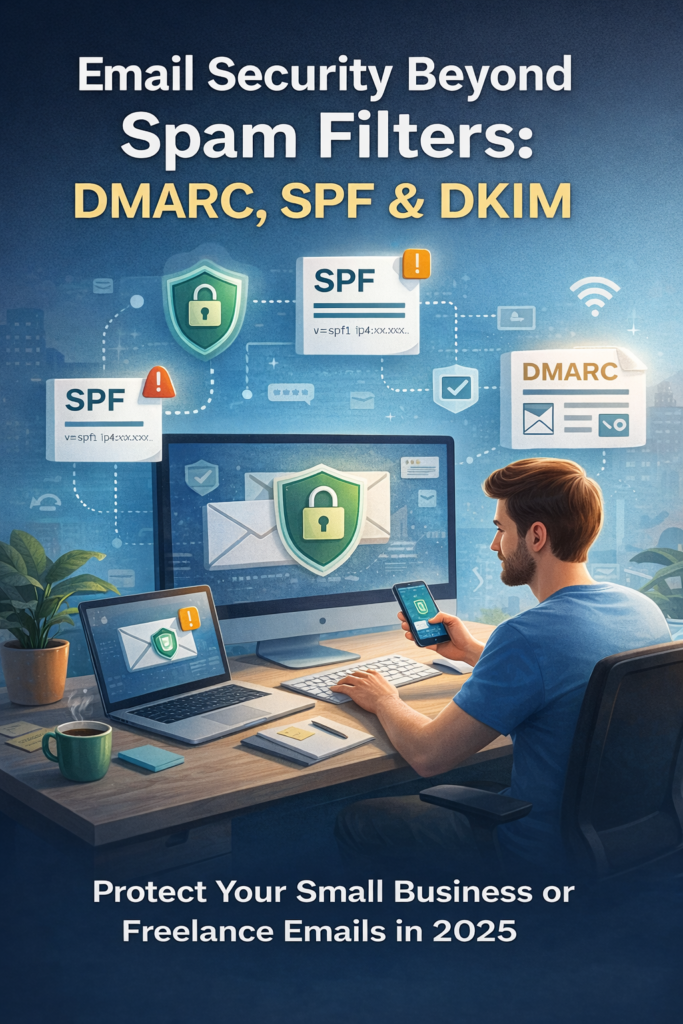
Email remains the backbone of communication for freelancers and small businesses in the U.S. But in 2025, email security beyond spam filters is no longer optional—it’s essential. Cybercriminals are moving past basic spam tactics and exploiting weak email authentication to impersonate brands, hijack domains, and steal sensitive client data.
If you’re a freelancer sending invoices or a small business owner managing client communications, relying only on spam filters puts your reputation and revenue at risk. This is where DMARC, SPF, and DKIM come in.
In this guide, you’ll learn how email security beyond spam filters works, why DMARC, SPF, and DKIM matter in 2025, and how freelancers and small businesses can implement them without an IT team.
Why Email Security Beyond Spam Filters Matters in 2025
Spam filters were designed to catch obvious junk emails—not sophisticated phishing attacks. Today’s attackers use:
- Domain spoofing
- Business Email Compromise (BEC)
- AI-generated phishing emails
- Invoice and payment redirection scams
According to the FBI’s Internet Crime Complaint Center, email-based fraud continues to cause billions of dollars in losses annually. Small businesses and freelancers are prime targets because they often lack advanced security controls.
This is why email security beyond spam filters is now a baseline requirement, not an advanced option.
What Is SPF and Why It’s Critical for Email Security
SPF (Sender Policy Framework) is the first layer of email security beyond spam filters.
How SPF Works
SPF tells receiving mail servers which email servers are authorized to send emails on behalf of your domain. If an unauthorized server tries to send an email using your domain, it can be flagged or rejected.
Why Freelancers and Small Businesses Need SPF
- Prevents attackers from spoofing your domain
- Improves email deliverability
- Protects your brand reputation
Without SPF, scammers can easily send emails pretending to be you.
📌 Learn more from Google’s official documentation:
👉 https://support.google.com/a/answer/33786
Understanding DKIM: Proving Email Authenticity
DKIM (DomainKeys Identified Mail) adds another critical layer to email security beyond spam filters.
How DKIM Works
DKIM attaches a digital signature to outgoing emails. The receiving server checks this signature to confirm the message hasn’t been altered and genuinely came from your domain.
Why DKIM Matters in 2025
- Prevents email tampering
- Builds trust with email providers
- Reduces phishing success rates
For freelancers sending contracts or legal documents, DKIM ensures your emails arrive intact and trusted.
📌 Official DKIM overview from Cloudflare:
👉 https://www.cloudflare.com/learning/dns/dns-records/dns-dkim-record/
DMARC: The Missing Link in Email Security Beyond Spam Filters
While SPF and DKIM are powerful, DMARC (Domain-based Message Authentication, Reporting & Conformance) ties everything together.
What DMARC Does
DMARC tells email providers what to do if an email fails SPF or DKIM checks—monitor it, quarantine it, or reject it entirely.
Why DMARC Is Essential for Small Businesses
- Stops domain impersonation
- Provides visibility through email reports
- Protects customers from phishing attacks using your name
Major providers like Google and Yahoo now require DMARC for many senders, making it non-negotiable in 2025.
📌 DMARC explained by CISA (U.S. government):
👉 https://www.cisa.gov/dmarc
How DMARC, SPF & DKIM Work Together
Think of email security beyond spam filters as a system, not a single tool:
- SPF verifies sending servers
- DKIM verifies message integrity
- DMARC enforces policy and reporting
Without all three, your email security strategy is incomplete.
Common Email Security Mistakes Freelancers Make
Many U.S.-based freelancers unknowingly leave gaps in email security:
- Using Gmail or Outlook with a custom domain but no DMARC
- Relying on hosting defaults
- Ignoring DMARC reports
- Assuming “low email volume” means low risk
Attackers don’t care about your size—they care about opportunity.
How to Implement Email Security Beyond Spam Filters (Without IT Staff)
You don’t need an enterprise security team to implement DMARC, SPF, and DKIM.
Step 1: Check Your Domain
Use tools like:
Step 2: Set Up SPF and DKIM
Most email providers (Google Workspace, Microsoft 365, Zoho Mail) provide step-by-step guides.
Step 3: Add DMARC Gradually
Start with a monitoring policy (p=none) before enforcing stricter rules.
📌 Beginner-friendly DMARC guide:
👉 https://www.dmarcian.com/dmarc/
Email Security Beyond Spam Filters and Client Trust
In 2025, email security isn’t just technical—it’s reputational.
When your domain is protected:
- Clients trust your invoices
- Emails don’t land in spam
- You reduce legal and financial risk
For freelancers, one compromised email can mean lost clients. For small businesses, it can mean lawsuits or compliance issues.
Compliance and Legal Implications in the U.S.
Email breaches can trigger:
- Contract violations
- State data breach notification laws
- Client disputes
Strong email security beyond spam filters helps demonstrate due diligence—especially important for freelancers working with healthcare, finance, or legal clients.
Final Thoughts: Email Security Beyond Spam Filters Is No Longer Optional
In 2025, email security beyond spam filters is a must-have for freelancers and small businesses across the U.S. DMARC, SPF, and DKIM are no longer “advanced” tools—they are basic digital hygiene.
If you send emails to clients, process payments, or protect sensitive data, securing your email domain is one of the smartest steps you can take this year.
Start small. Monitor first. Then enforce. Your future self—and your clients—will thank you.
Also Read this blog: AI Code-Injection Attacks: How Hackers Exploit Chatbots & AI Tools Used by Freelancers