
Table of Contents
If you work with clients in California, understanding the CCPA compliance guide is no longer optional. Whether you’re a freelance web designer, marketing consultant, virtual assistant, or run a small business, the California Consumer Privacy Act (CCPA) may affect how you collect, store, and use customer data.
Many freelancers believe the law only applies to large corporations. However, even if your business is located outside California, you may still have responsibilities if you handle the personal information of California residents.
This guide explains CCPA compliance, its requirements, and practical steps freelancers and small businesses can take to protect customer privacy and reduce legal risks.
What Is CCPA Compliance?
CCPA compliance means following the rules of the California Consumer Privacy Act (CCPA), a privacy law designed to give California residents more control over their personal information.
The law gives consumers the right to:
- Know what personal information businesses collect
- Request access to their data
- Ask businesses to delete personal information
- Correct inaccurate information (where applicable under newer amendments)
- Opt out of the sale or sharing of personal data
Even if you don’t sell customer data, understanding your privacy obligations helps build trust with clients.
Is CCPA Only for California?
This is one of the most common questions businesses ask.
Although CCPA is a California law, it can affect businesses anywhere in the world if they collect personal information from California residents and meet certain legal thresholds.
For example, if you’re a freelancer in another state—or even another country—but provide services to California clients, you should understand how the law works and determine whether it applies to your business.
Why Freelancers and Small Businesses Should Care About CCPA Compliance
Privacy compliance works best alongside strong cybersecurity. Learn how to secure your business with our Cybersecurity for Freelancers and Small Businesses: Complete Guide (2026), where you’ll find practical tips on protecting sensitive client information and preventing common cyber threats.
Many freelancers collect sensitive client information every day, including:
- Email addresses
- Billing details
- Business contact information
- Website analytics
- Customer inquiries
- Marketing data
Protecting this information isn’t just about legal compliance—it also strengthens your professional reputation.
Clients increasingly prefer working with businesses that take privacy and cybersecurity seriously.
CCPA Compliance Requirements
Understanding CCPA compliance requirements helps you identify the steps needed to improve your privacy practices.
Some key requirements include:
1. Know What Data You Collect
Create a list of every type of personal information you collect, including:
- Names
- Email addresses
- Phone numbers
- IP addresses
- Payment information
- Website cookies
Knowing your data is the first step toward compliance.
2. Publish a Clear Privacy Policy
Your website should explain:
- What information you collect
- Why you collect it
- How you use it
- Who you share it with
- How users can exercise their privacy rights
Avoid using vague or outdated privacy policies.
3. Respond to Consumer Requests
If your business falls under CCPA, consumers may request:
- Access to their personal information
- Deletion of their data
- Information about data collection practices
Having a process to respond to these requests is an important part of compliance.
4. Improve Data Security
Privacy and cybersecurity go hand in hand.
Freelancers should:
- Use strong passwords
- Enable multi-factor authentication
- Encrypt sensitive files
- Keep software updated
- Store client information securely
These practices reduce the risk of data breaches while supporting privacy compliance.
CCPA Compliance Checklist for Freelancers
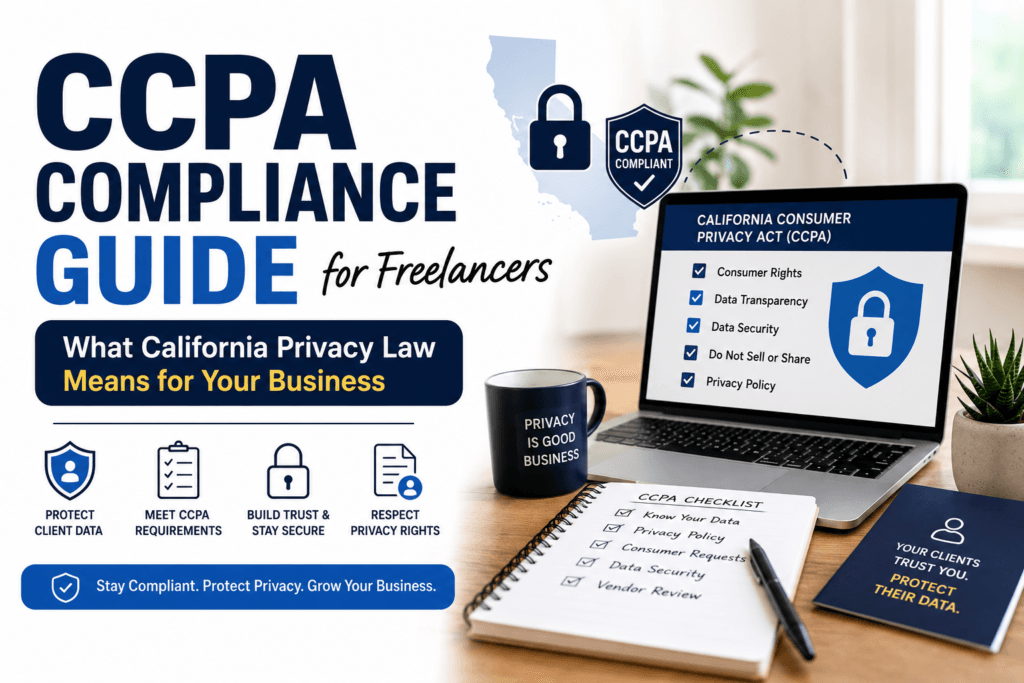
Use this simple CCPA compliance checklist to review your business:
✅ Know what personal information you collect
✅ Update your privacy policy
✅ Secure customer data
✅ Review third-party tools that collect data
✅ Train anyone who handles customer information
✅ Create a process for responding to privacy requests
Even if every requirement doesn’t apply to your business today, these steps improve overall privacy and security.
GDPR and CCPA Compliance: What Is the Difference?
If your business serves clients in both California and the European Union, understanding the differences between these privacy laws is essential. Read our detailed GDPR Compliance Guide for Freelancers and Small Businesses to learn who must comply, key GDPR requirements, and practical steps to protect client data.
One of the most frequently asked questions is: What is the difference between GDPR and CCPA?
Although both laws protect personal information, they have different goals and requirements.
| GDPR | CCPA |
|---|---|
| Applies mainly to people in the European Union | Protects California residents |
| Requires a legal basis before processing personal data | Focuses on consumer privacy rights and transparency |
| Gives users extensive rights over their data | Allows consumers to know, delete, and opt out of data sharing |
| Applies to many organizations worldwide | Applies only when certain business thresholds are met |
If your freelance business serves clients in both Europe and California, understanding GDPR and CCPA compliance can help you build stronger privacy practices and earn client trust.
CCPA Compliance Solutions for Small Businesses
Many freelancers think compliance requires expensive legal software. In reality, most small businesses can start with simple privacy practices.
Common CCPA compliance solutions include:
- Creating a transparent privacy policy
- Keeping customer information secure
- Reviewing third-party services that collect data
- Maintaining records of customer privacy requests
- Limiting unnecessary data collection
As your business grows, you can consider professional CCPA compliance services or privacy consultants if your legal obligations become more complex.
Do You Need CCPA Compliance Software?
Small freelancers usually don’t need dedicated CCPA compliance software when they’re starting.
However, businesses managing larger customer databases may use software that helps with:
- Managing consent
- Tracking consumer requests
- Maintaining privacy records
- Monitoring compliance activities
Some companies also work with CCPA compliance vendors that provide privacy management platforms for growing businesses.
Best Practices to Stay CCPA Compliant
Following these habits can improve both privacy and cybersecurity:
- Collect only the information you truly need.
- Use encrypted cloud storage for client files.
- Enable multi-factor authentication on business accounts.
- Update your privacy policy regularly.
- Delete customer information that is no longer required.
- Review your website forms and analytics tools periodically.
Good privacy practices not only support compliance but also strengthen your professional reputation.
Frequently Asked Questions
What is CCPA compliance?
CCPA compliance means following the California Consumer Privacy Act by being transparent about personal data collection, protecting customer information, and respecting consumer privacy rights.
Is CCPA only for California?
The law protects California residents. However, businesses located outside California may also need to comply if they meet the law’s applicability requirements and handle personal information of California residents.
What is the difference between GDPR and CCPA?
GDPR is a European privacy law that generally requires a legal basis for processing personal data, while CCPA focuses on giving California consumers rights over how businesses collect, use, and share their personal information.
What are the CCPA regulations?
CCPA regulations require covered businesses to provide privacy notices, respond to consumer requests, protect personal information, and comply with California’s privacy requirements.
Final Thoughts
Understanding this CCPA compliance guide can help freelancers and small businesses build trust with clients while improving their privacy practices. Even if your business is not legally required to comply today, following CCPA principles is a smart way to prepare for future privacy expectations.
Start by reviewing the personal information you collect, updating your privacy policy, and strengthening your cybersecurity measures. Small improvements today can help protect your business and your clients tomorrow.
For official guidance, visit the California Privacy Protection Agency (CPPA), which provides detailed information about California privacy laws and consumer rights: https://cppa.ca.gov/