
Table of Contents
Introduction
How freelancers can use AI chatbots without exposing client data has become a serious concern for professionals across the United States. More freelancers and small businesses now rely on AI tools to write emails, summarize documents, brainstorm ideas, and speed up daily work.
But many users still do not realize that entering sensitive information into AI platforms can create privacy risks.
For freelancers, a single mistake can lead to:
- lost client trust
- compliance issues
- contract violations
- financial damage
The good news is that freelancers can still use AI tools safely. With the right habits, AI can improve productivity without putting confidential information at risk.
Why AI Chatbots Can Create Privacy Risks for Freelancers
Many AI tools process prompts through cloud servers before generating a response.
That means data may include:
- client names
- project details
- financial records
- private business strategies
Freelancers who work with U.S. clients often handle confidential material that should never be shared without protection.
According to OpenAI, users should avoid sharing sensitive personal or confidential data in AI prompts because information may be reviewed to improve services.
For more information, review the privacy details from OpenAI.
How Freelancers Can Use AI Chatbots Without Exposing Client Data Safely
Remove Identifiable Information First
The safest way to protect clients is to remove all identifying details before using AI tools.
Instead of entering:
❌ “My client John Smith at ABC Law Firm wants…”
Use:
✅ “A client in the legal industry wants…”
This reduces the chance of exposing confidential data.
Use AI for Drafting, Not Raw Sensitive Data
How freelancers can use AI chatbots without exposing client data often depends on how the tool is used.
Safer uses include:
- rewriting generic emails
- brainstorming headlines
- improving grammar
- creating outlines
Avoid using AI for:
- contracts
- medical records
- legal documents
- financial spreadsheets
Choose AI Platforms With Better Privacy Controls
Some AI tools offer stronger privacy settings than others.
Freelancers in the USA should look for:
- private mode options
- conversation deletion
- data opt-out controls
- business plans with stronger protection
You can review privacy recommendations from the National Institute of Standards and Technology for handling sensitive digital data.
Protect Client Information Before Uploading
Before using any AI chatbot:
Follow these steps:
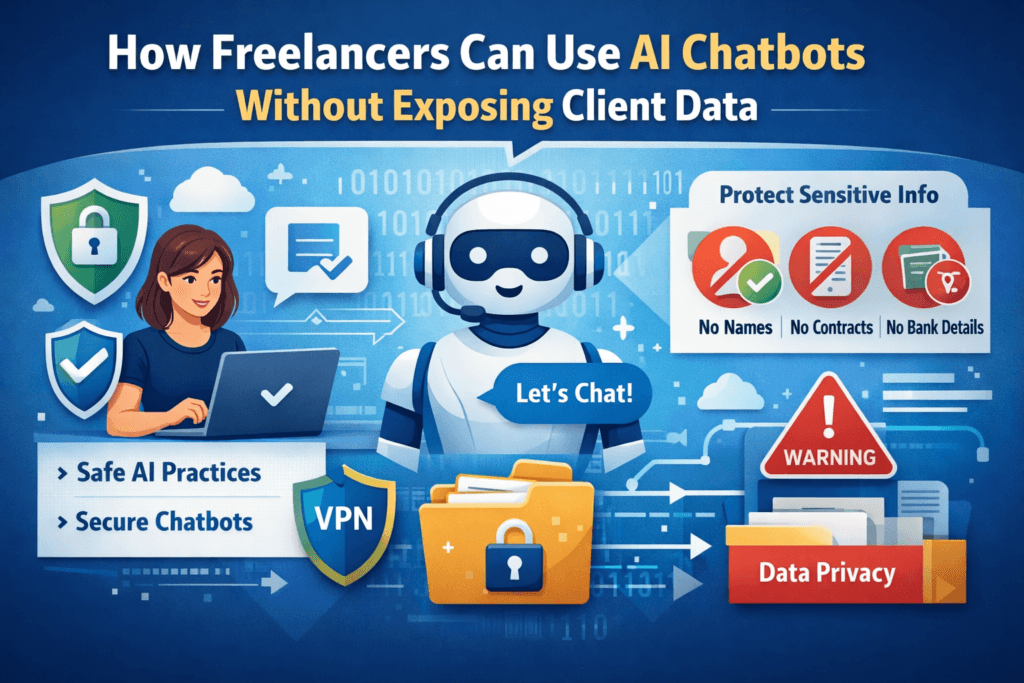
- Remove names
- Remove email addresses
- Remove phone numbers
- Remove payment details
- Remove contracts
- Remove customer records
This keeps your workflow productive while reducing risk.
How Small Businesses Can Use AI Chatbots More Securely
Small business owners face similar risks.
How freelancers can use AI chatbots without exposing client data also applies to small teams handling customer information.
Business owners should:
- create AI usage policies
- train team members
- limit employee access
- review AI settings regularly
This prevents accidental data leaks.
Use Separate Accounts for Business AI Tools
A smart security step is keeping personal and client work separate.
Use:
✅ dedicated business AI account
instead of
❌ personal AI account
Benefits:
- cleaner data handling
- easier monitoring
- reduced privacy risks
This is especially useful for agencies and contractors.
Understand AI Data Retention Policies
Many freelancers never read privacy terms.
That can be risky.
Some AI platforms may:
- store conversations
- analyze prompts
- retain chat history
- use data for training
Before using any AI platform, check:
- privacy policy
- retention policy
- opt-out options
This helps freelancers make safer decisions.
Combine AI With Strong Cybersecurity Habits
AI safety works best when combined with other security practices.
Use:
- password managers
- two-factor authentication
- VPN protection
- encrypted messaging
For broader protection, read your main Cybersecurity for Freelancers pillar page.
Warning Signs You Are Sharing Too Much With AI
Stop immediately if you are entering:
❌ client full names
❌ invoices
❌ account numbers
❌ legal files
❌ health records
If data could harm a client if exposed, it should not be placed into AI tools.
Best Practices for U.S. Freelancers Using AI
Safe AI checklist
✔ anonymize client data
✔ use privacy settings
✔ avoid sensitive uploads
✔ delete chat history
✔ review policies
✔ separate business accounts
These simple steps can reduce major risks.
FAQs
Can AI chatbots store client data?
Some AI tools may temporarily store prompts depending on their privacy policy. Always review the provider’s settings before use.
How can freelancers use AI chatbots safely??
Freelancers can protect data by removing personal details, using private settings, and avoiding sensitive documents in prompts.
Are AI chatbots safe for small businesses?
AI chatbots can be safe if businesses create clear policies and avoid sharing confidential customer information.
Should freelancers avoid AI completely?
No. AI can still be useful when used carefully with proper privacy precautions.
Conclusion
Using AI chatbots responsibly is becoming increasingly important for freelancers and small businesses across the USA.
AI can save time and improve productivity, but careless use can create serious privacy problems.
The safest approach is simple:
- protect sensitive information
- understand platform policies
- use AI responsibly
Freelancers who use AI carefully can enjoy the benefits without putting client trust at risk.
You may also like this blog:
Can Chatbots Expose Client Data for Freelancers and Small Businesses in the USA? Hidden AI Risks